
THE TRIP CONTROL JOURNAL
Organize your travel bookings
A flight in one email, a hotel in another and an activity confirmation as an attachment: bring your trip details together instead of searching for every message again.
Start planning my tripYour confirmations, together at last.
- 1
Find your personal Trip Control forwarding address.
- 2
Forward your booking confirmation emails.
- 3
Review the details and attach them to the right trip.
A personal address for booking confirmations
Your account has a personal forwarding address. Use it to send confirmation emails for bookings you already made. You choose which emails to forward; this approach does not require access to your entire inbox.
Review details before adding them
Open the received items in Trip Control, check dates, amounts and destination, then attach them to the correct trip. Extracted information may be incomplete: compare it with the original document, especially after booking changes. File import and manual entry are also available.
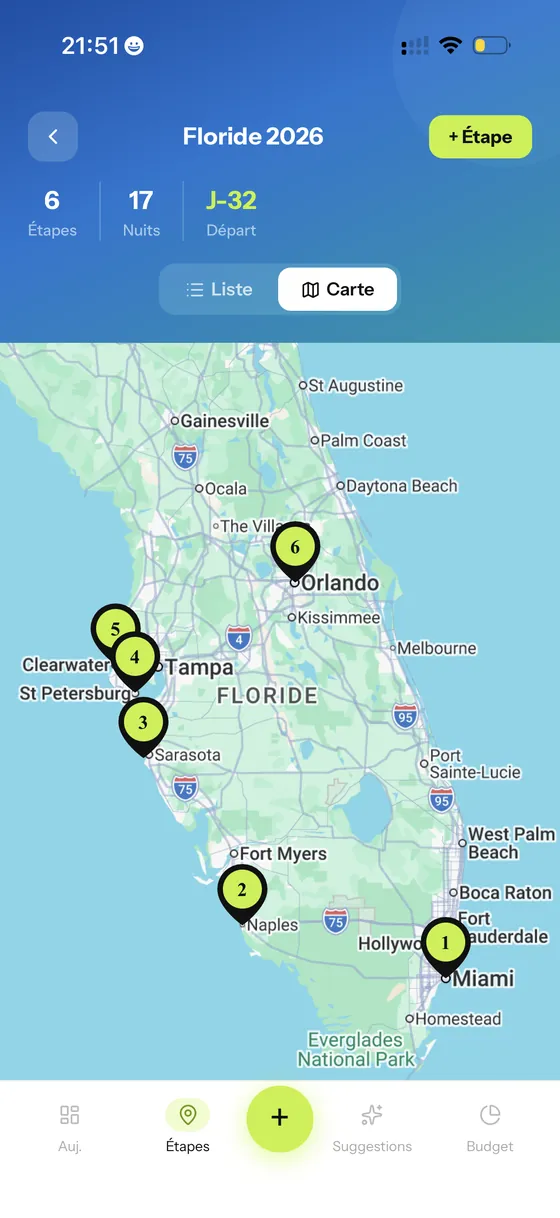
Keep documents with the trip
Store useful attachments with your bookings and find them through the relevant trip. Before leaving, check the latest ticket version and check-in details with your provider. Trip Control organizes your documents; it does not replace the airline or hotel’s own app.
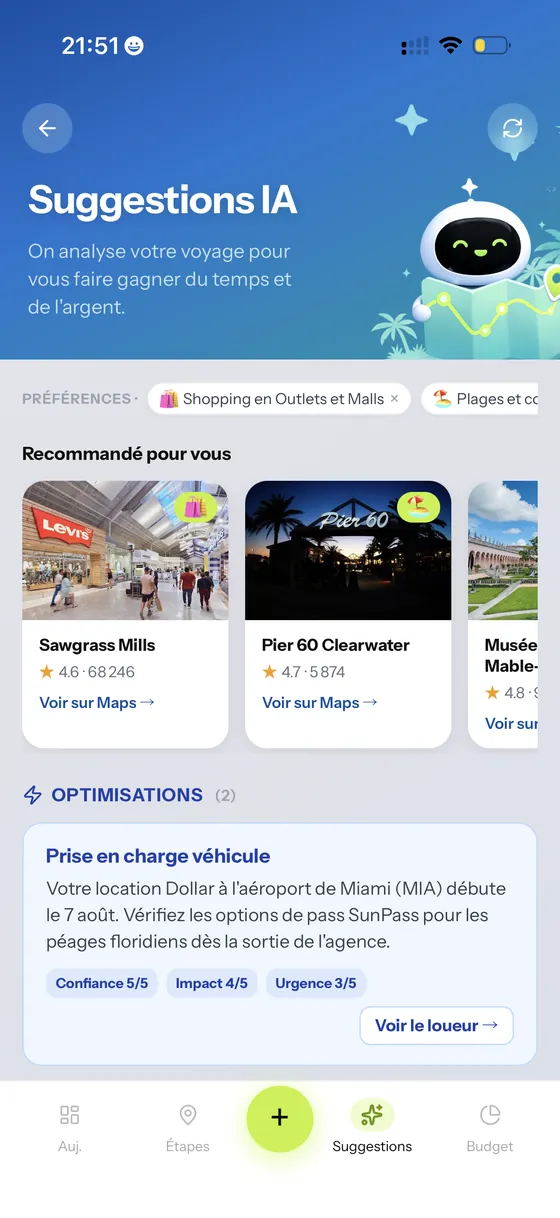
Connect bookings, spending and your companion
Recorded amounts help you track what is paid and still due. Ask your companion which reservations are coming up or what remains to be paid. If you travel frequently, attach each confirmation to the correct trip to keep dates and expenses separate.

Before you get started
Do I need to book through Trip Control?
No. Add bookings you have already made with your usual providers.
Can I upload an attachment instead of forwarding an email?
Yes. You can import a file or enter information manually.
Are provider changes automatically synchronized?
Do not assume changes are synchronized. Forward the updated confirmation and review the information stored in your trip.
Trip Control